Wedding planning template
Plan your dream wedding without the chaos. Airtable's wedding planner template keeps your guest list, budget, vendors, timeline, and to-do list in one place, so you can focus on the big day, not the spreadsheets.
Use Airtable's free wedding planning template
Why use Airtable's wedding planner template?
Wedding planning quickly turns into a complex project. Couples often begin with an Excel wedding planning spreadsheet or a Google Sheets checklist, only to discover that guest lists, RSVPs, vendor contracts, seating charts, and budgets are scattered across multiple tabs and documents.
Airtable's wedding planner template replaces disconnected spreadsheets, docs, and printable checklists with a single system of record designed for the entire planning process. It combines the structure of a professional wedding planner with the flexibility of modern wedding planning tools, helping couples manage everything from their wedding venue search to the final day-of timeline.
Instead of switching between a wedding budget spreadsheet, guest list tracker, and separate planning notes, you can manage your entire wedding project in one place.
Centralized organization for your wedding plans
This wedding planning template keeps your wedding guest list, wedding budget, wedding vendors, and planning checklist connected in a single workspace. The template's five linked tables, possible venues, guests, seating chart, supplies and costs, and vendors, cover the full scope of wedding planning so every detail stays organized and accessible.
Your guests table connects directly to the seating chart, so changes to the guest list automatically update table assignments. The supplies and costs table links to vendors, making it easy to see who's providing each item and what it costs across flowers, reception, stationery, and ceremony categories.
Visual flexibility for every part of the planning process
Every stage of wedding planning requires a different perspective. With Airtable, you can view your information in multiple formats depending on what you're working on.
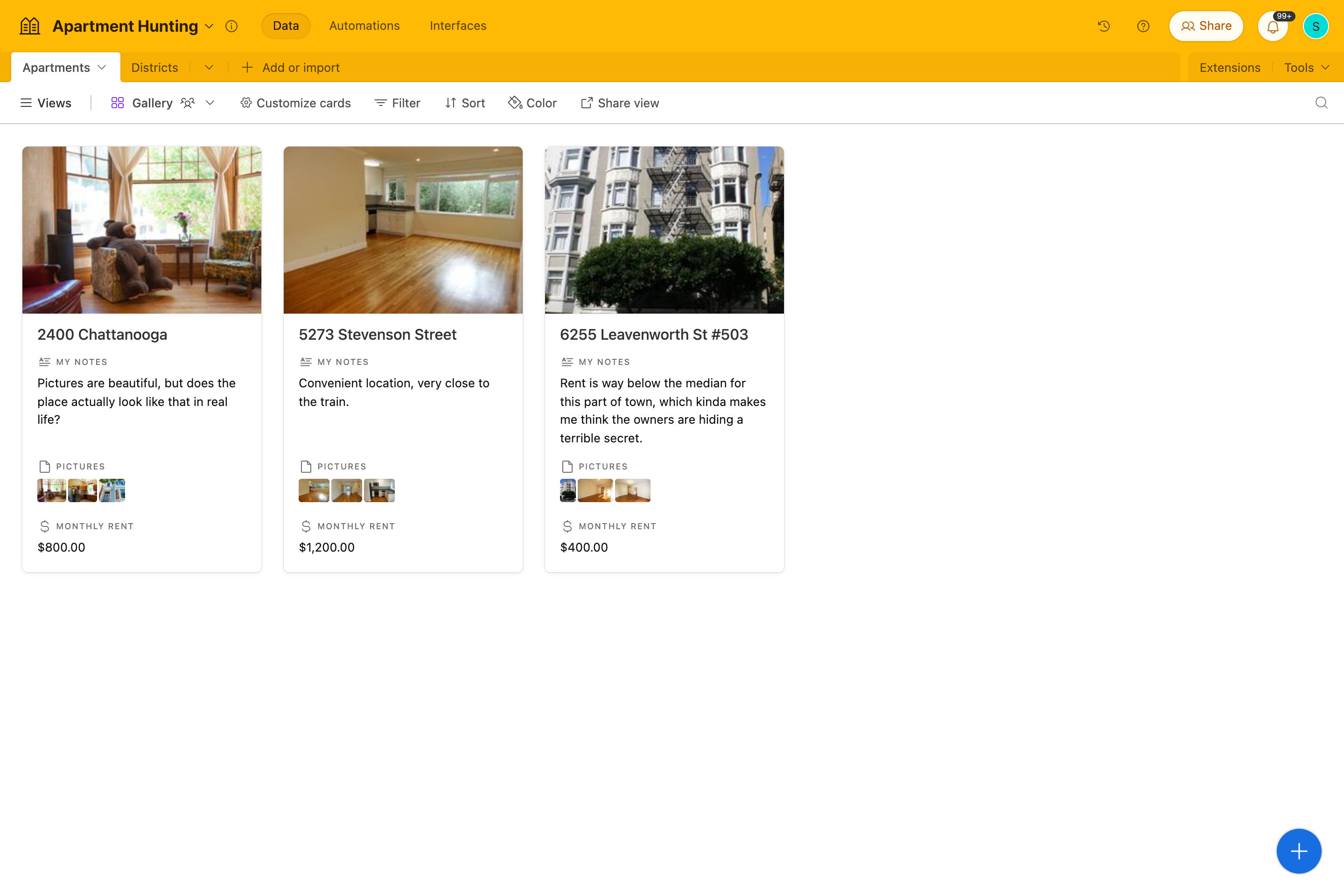
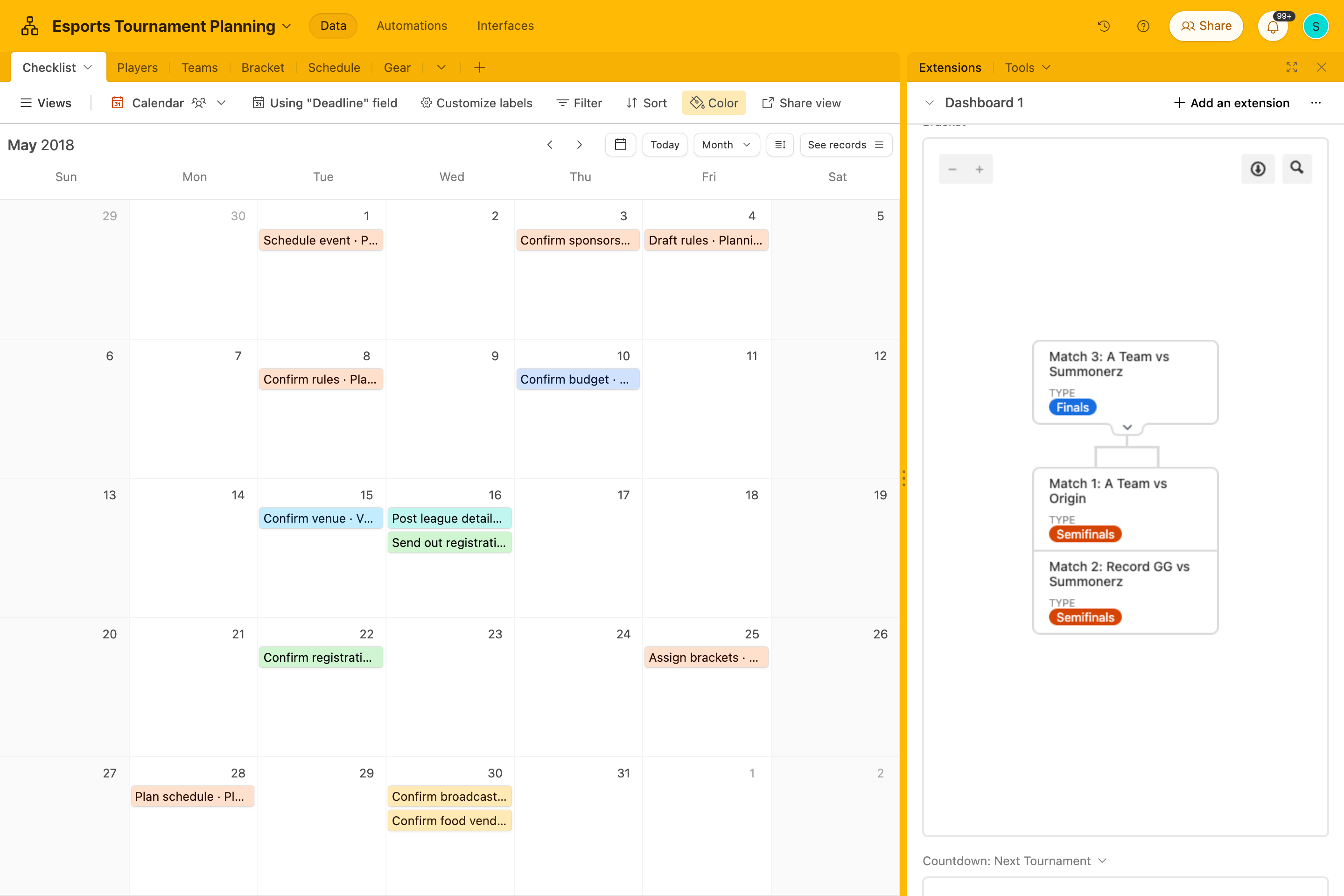
Your wedding planning timeline can appear as a calendar or timeline view. Vendor lists can be browsed in gallery format. Tasks can be tracked in a kanban board, giving you a clear to-do list for the weeks ahead.
Whether you're reviewing the wedding budget, checking your guest list, or organizing table numbers for your reception, Airtable adapts to your workflow rather than forcing you into a rigid spreadsheet layout.
Real-time collaboration
Wedding planning is rarely a solo effort. Both partners, your wedding party, family members, or even your wedding planner can collaborate inside the same workspace.
Everyone can update RSVPs, confirm vendor details, and review the wedding day schedule in real time from any device. Omni can also answer questions about your planning data on demand, like "how many guests have been sent invitations?" or "what's the total cost of all supplies so far?", so anyone involved in planning can get a quick answer without navigating through the base manually. No more emailing updated Excel spreadsheets or wondering which Google Sheets version is the latest.
Built-in connections across your wedding plans
Unlike traditional wedding planning spreadsheets, Airtable connects related information automatically.
Each guest record captures their name, address, dinner selection (chicken, beef, fish, or pasta), special dietary requirements, invitation status, and assigned table, all linked directly to the seating chart. The vendors table stores contact information and notes for each supplier and links to the specific items in the supplies and costs table they're providing.
These connections help prevent details from slipping through the cracks during the planning process.
Budget tracking that actually works
A wedding budget spreadsheet often becomes difficult to maintain as plans evolve. Airtable's supplies and costs table tracks every wedding expense organized by category, flowers, reception, stationery, and ceremony, with each item including cost, pictures, vendor information, and notes.
Track expenses for your wedding venue, wedding dress, florists, wedding photographer, invitations, and catering while keeping totals updated automatically. Omni can calculate total costs, break down spending by category, or surface the total wedding budget at any point so you can immediately see where your spending stands and where adjustments might be needed.
Fully customizable wedding planning tools
Every wedding is unique. Airtable allows you to customize the template to match your vision.
Add fields for your color palette, wedding website, vendor notes, or hotel block information. Expand your planning checklist, create new views, or restructure sections to match your planning timeline. Omni can help extend the template conversationally, for example "add a field for RSVP status to the guests table" or "create a table for tracking the wedding day timeline," without requiring manual setup.
The template works as a flexible foundation for your dream wedding rather than a rigid printable planner.
Wedding planning checklist
A clear wedding planning checklist helps ensure nothing falls through the cracks. Use this timeline alongside your Airtable wedding planning template to stay organized from your first planning steps through your wedding day.
- Quick start, begin with the essentials: Define your wedding budget and set a realistic spending range. Create your initial wedding guest list and define policies for plus-ones and children. Choose a general wedding date window and start researching your preferred wedding venue style. Discuss your vision for the ceremony and reception, including priorities and must-haves. Select members of your wedding party and assign early planning responsibilities.
- 12+ months before the wedding: Tour wedding venues and secure your date, capturing venue name, capacity, rental cost, availability, and location in the possible venues table. Book key wedding vendors such as your caterer, wedding photographer, and entertainment. Create a wedding email address and purchase your wedding website domain. Begin designing your mood board and color palette. Build your master wedding planning spreadsheet and payment schedule.
- 9 to 12 months before the wedding: Finalize your wedding guest list and collect mailing addresses. Book your officiant and discuss the ceremony structure. Reserve florists, rentals, and décor providers, adding each to the vendors table with contact details and linked supply items. Secure hotel blocks and transportation options for guests. Design and send save-the-date announcements.
- 6 to 9 months before the wedding: Attend tastings for menu, cake, and signature drinks. Book hair and makeup services and schedule trials. Purchase wedding bands. Confirm musicians, DJs, or entertainment vendors. Start designing your wedding invitations.
- 4 to 6 months before the wedding: Send formal wedding invitations and begin collecting RSVPs, updating invitation status for each guest record. Draft the ceremony and reception timeline. Plan décor details such as signage, florals, and table displays. Arrange guest transportation and finalize rehearsal dinner plans.
- 2 to 4 months before the wedding: Complete hair and makeup trials. Write your ceremony script and personal vows. Finalize the menu with your caterer, updating dinner selections for each guest in the guests table. Build your wedding seating chart and assign table numbers.
- 6 to 8 weeks before the wedding: Track RSVPs and follow up with missing responses. Confirm final rental counts and seating arrangements using the seating chart table. Finalize your day-of timeline and vendor arrival schedule.
- Week of the wedding: Confirm final guest counts with your venue and caterer. Prepare vendor payments and gratuities. Drop off décor items, place cards, and signage at the venue. Confirm the wedding day schedule with your planner or coordinator.
How to use the wedding planning template
Step 1: Build your wedding guest list
Start by adding guests to the guests table with names, addresses, dinner selections, dietary requirements, and invitation status. As wedding invitations are sent and RSVPs arrive, update each guest record. This gives you an accurate headcount and keeps your seating chart in sync automatically.
Step 2: Track your wedding budget
Enter all wedding expenses into the supplies and costs table, organized by category: flowers, reception, stationery, and ceremony. For each item, add cost, pictures, vendor information, and notes to see a real-time view of your total wedding spend without building complex formulas in Excel or Google Sheets.
Step 3: Manage wedding vendors
Add all vendors, including the wedding venue, officiant, photographers, florists, and entertainment providers, to the vendors table with contact details and notes. Link each vendor to the specific items they're supplying in the supplies and costs table so every supplier relationship is traceable in one place.
Step 4: Create your wedding timeline
Use the timeline view to map your full wedding planning timeline and wedding day schedule. Track milestones across the months leading up to the event, and build a detailed day-of timeline covering everything from getting ready to the final dance.
Step 5: Build your seating chart
Assign guests to tables in the seating chart table and add notes for any special seating considerations. Because the seating chart links directly to the guests table, updates stay synchronized automatically as your guest list changes.
Step 6: Customize and collaborate
Invite your partner, wedding planner, or family members to collaborate. Add custom fields for your wedding website, vendor notes, color palette inspiration, or planning milestones. Access everything from desktop or mobile so your wedding planning tools travel with you.
Frequently asked questions
Is Airtable's wedding planner template free?
Yes. The wedding planning template is free for all Airtable users. Additional features such as advanced automations and integrations are available on paid plans. Visit our pricing page for full details. No credit card is required to get started.
Is this better than an Excel or Google Sheets wedding planning spreadsheet?
A wedding planning spreadsheet in Excel or Google Sheets provides simple rows and columns. Airtable adds linked records, timeline views, project management functionality, and real-time collaboration. Your guest list, seating chart, wedding vendors, and wedding timeline stay connected instead of living in separate spreadsheets.
Can both partners use the template?
Yes. Airtable supports real-time collaboration, so both partners and members of the wedding party can access the template simultaneously without overwriting each other's changes.
Can this be used as a printable wedding planning checklist?
You can export the template as a printable checklist if needed. However, it works best as a live planning tool where your guest list, RSVPs, budget planner, and wedding day timeline stay connected.
Can I customize the template?
Absolutely. Airtable is fully customizable. You can add fields for your wedding website, expand your wedding planning checklist, create additional timeline views, or adjust the template to match your planning process. Omni can help make these changes conversationally without navigating through the interface manually.
Organize your dream wedding with Airtable
Plan your dream wedding with a flexible wedding planning template designed to replace spreadsheets, docs, and scattered planning tools. Track your guest list, wedding budget, vendors, and wedding timeline in one place so you can focus on celebrating your big day.
Organize your wedding with the free Airtable wedding planner template
Other Personal templates
Not finding a template that fits your needs?
Build it with AI