Share Airtable data and apps securely with custom portals
Build secure, branded portals—no code required—and seamlessly collaborate with customers, partners, and vendors.

Custom sign-in page for guests
Give users outside of your organization a sign in page to your Airtable app for fast, simple collaboration.
Granular permissions and access controls
Manage user access effortlessly, granting and revoking permissions as needed to keep your data secure.
White-labeled experience
Make your portal your own – match your app design to your brand for a cohesive experience. Add your company logo and customize the background to create a professional look.
Available for Business and Enterprise Scale plans.
Explore powerful portal use cases
Instantly build portals for any external audience—parnters, clients, vendors, or customers—without writing a single line of code.
Improve client communication with real-time access to projects, deliverables, and approvals—ideal for agencies managing ongoing work across multiple accounts.
Simplify collaboration with suppliers and distributors. Use portals to share documents, manage invoices, track payouts, collect key information, and optimize workflows—without messy spreadsheets.
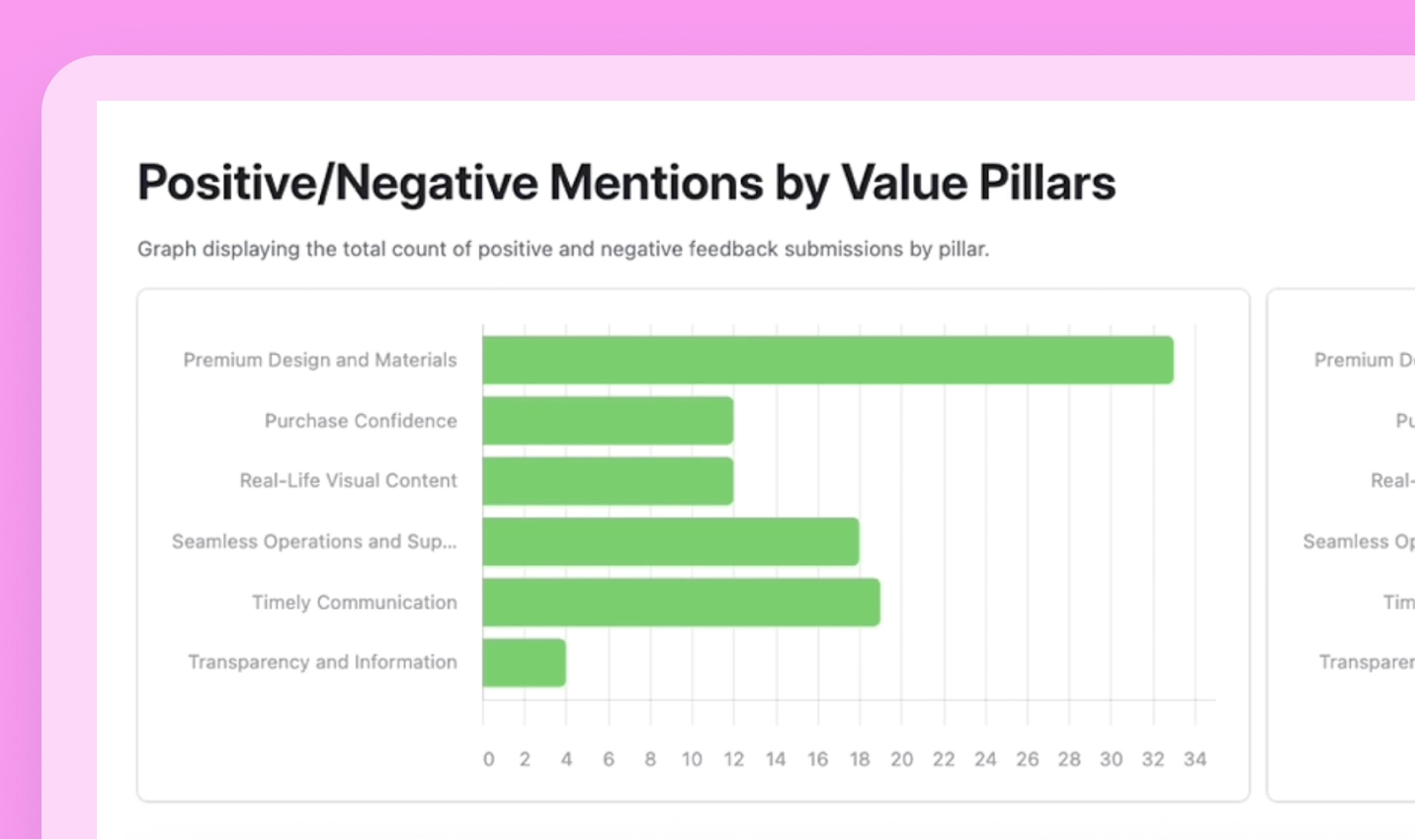
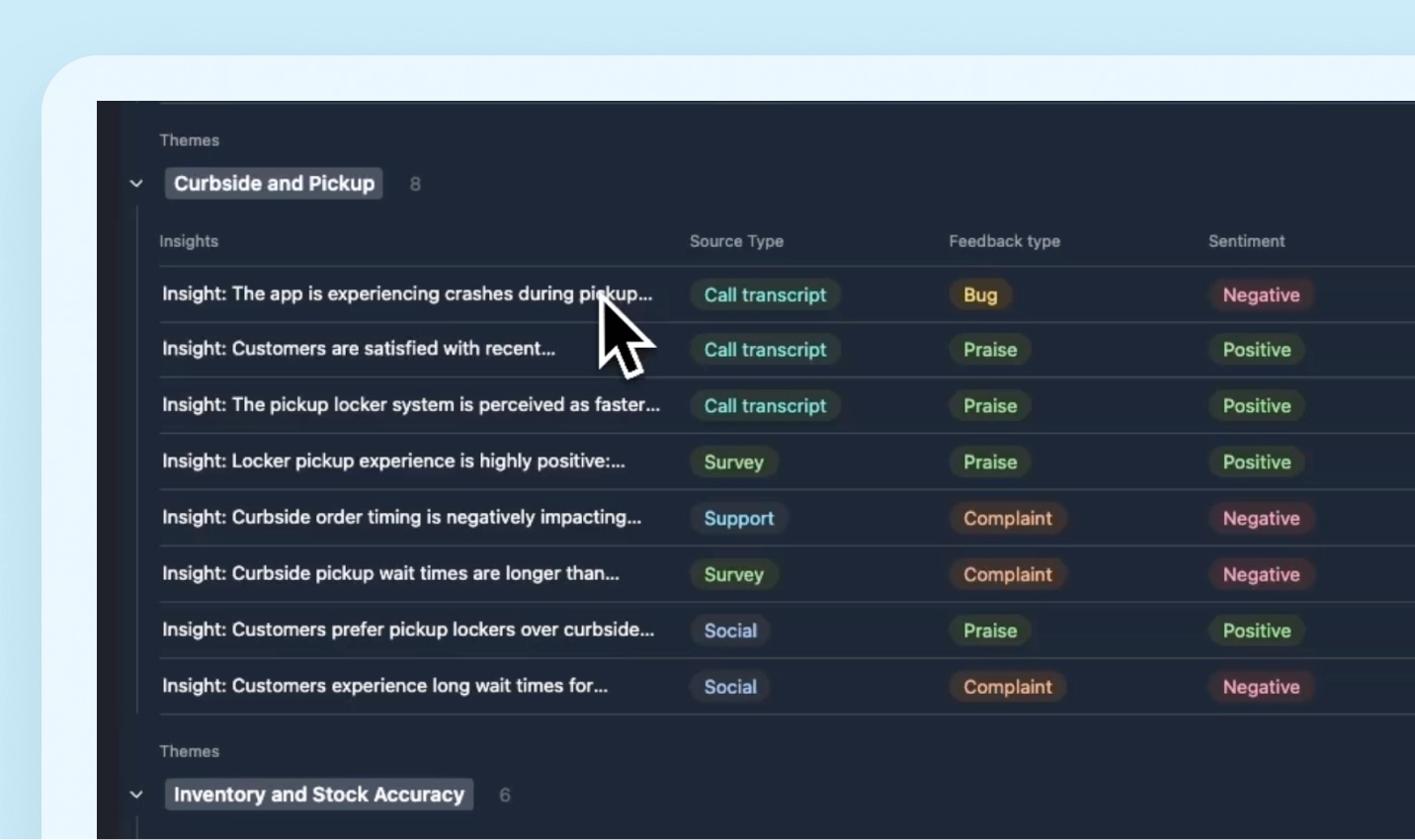
Create a customer self-service portal to streamline the customer experience. Give customers one place to track support tickets, find answers in your knowledge base, and share feedback. With AI, automatically triage and analyze that feedback across every channel to uncover trends and take action faster—and watch customer satisfaction soar.
Power your partner program with a centralized portal that gives partners instant access to co-branded marketing materials, product updates, and performance dashboards—everything they need to drive channel marketing success. Streamline content management, onboard new partners faster, and boost sales enablement with a single portal built to scale your partner ecosystem.
Collaborate with guest users for less.
Work with clients, partners, and external stakeholders by inviting them to work with you through the Portals add-on – full seat not required.
Integrate with other business-critical tools
FAQ
You have questions, we have answers.
Portals lets you share your Airtable interfaces with external collaborators -like clients, vendors, and contractors- so they can access and collaborate on your Airtable workflows at a lower price per seat compared to full collaborators. Each Portal has its own login page for guest users.
You can enable guest user access by purchasing the Portals add-on for your Airtable plan.
This add-on is available to customers on Team, Business, and Enterprise Scale plans.
All plans include the ability to share your Airtable interface with guest users through a special login screen.
Business and Enterprise Scale plans also include:
Custom branding for the sign-in screen
Admin activity tracking and logs
Control over which email domains can access your portal
Guest users must have a different domain than your company's domain. For Team plan customers, your company domain is determined by the email addresses of your workspace owners. Note that this add-on is not allowed for owners who have personal email domains.
Additionally, guest users cannot be invited as regular collaborators to interfaces and will not have access to the underlying base. You can only invite guest users to one portal per organization. You can find more information about limits in this support article.
Team Plan: Starts at $120/month for 15 guests
Business Plan: Starts at $150/month for 15 guests
Enterprise Scale: Contact your account representative for beta access and pricing details
Guest seats are available in packs of 15, 25, 50, 100, 200. Volume discounts are offered for larger guest counts across all plans. For seats more than 200, contact sales to discuss pricing.
For Team plan customers, a guest seat is counted when you invite someone with either editor or commenter permissions. For Business and Enterprise Scale customers, only guests with editor permissions count toward your seat limit – commenters are free. Read-only users are always free on all plans.
Important Note: If a guest user is added to multiple interfaces in your organization or invited to the underlying base, they will be charged as a full collaborator seat instead of a guest seat.
Build a custom experience for external users with Airtable Portals.
Portals software resources
Discover marketing insights in customer feedback
Turn customer feedback data from reviews and social media into actionable insights that guide your marketing strategy and messaging.Try the playAnalyze product feedback at scale
Generate executive-ready reports from mountains of customer feedback data, and guide product decisions with customer insight.Try the play